A brand profile with the voice of your place
An intimate bistro and a lively pub don't sound alike. The tone of voice comes from your website and you adjust anything you want.
For restaurants, bars and cafes
Running a restaurant, bar or cafe means juggling the dining room, the stock and the staff schedule. Skald reads your venue's website, learns the house style and leaves caption, hashtags and image ready for you to review between one service and the next.
Welcome credits when you create your account. No credit card required.
Restaurants, bars and cafes depend on their shop window every day. The catch is that the best time to post is exactly when you are busiest.
People deciding where to have lunch or dinner check profiles around mealtimes. That is also when the team is hands-deep in work.
What's on Instagram isn't always what's in the kitchen today. Guests arrive asking for what they saw and hear it's sold out.
A string of beautiful dishes with no text doesn't tell the story of the place, and doesn't say when you open, where you are or how to book.
Live music night, Saturday brunch, happy hour deals. Without planning, promotion goes out at the last minute or not at all.
In most venues, Instagram falls to the server who likes their phone or to the owner. Without a method, the rhythm comes and goes.
You do not need to write a brief. The starting point is what your venue already publishes online.
It can be the website of your restaurant, cafe or bar, with menu, story and opening hours. The clearer the site, the better the starting point.
It reads the home page and other relevant public pages and builds the brand profile: tone of voice, audience, what you serve, content pillars, colors and hashtags. You fix anything that doesn't sound like your place.
Each post comes with caption, hashtags and image. Don't like the caption or the artwork? Ask for a new version of one without redoing the other.
Review, pick the day and time in the calendar and schedule. With your networks connected on paid plans, publishing happens on its own. Without a connection, you download the image and copy the caption.
An intimate bistro and a lively pub don't sound alike. The tone of voice comes from your website and you adjust anything you want.
See at a glance what goes out on Monday, Friday and the weekend, and spread menu, behind-the-scenes and events without repeating topics.
Every day it prepares the next day's idea. In the morning, before opening, you approve with one click, edit or discard.
Set the visual style of your place once, such as warm colors, rustic feel or minimalist look, and the artwork follows that direction.
You check price, hours and dish name before publishing. Automatic approval exists, but it is off by default.
Have a restaurant and a cafe, or two locations with different identities? Each brand has its own website, profile, calendar and networks, within your plan limit.
Posting well for a restaurant, bar or cafe is about rotating topics. A profile that only shows dishes becomes a shop window with no personality. One that only talks about deals gets tiring. A simple split helps: menu and ingredients, behind the scenes in the kitchen or at the counter, events and dates, people (team and guests), and practical information such as hours, address and booking.
Each pillar has room for more than one format. Menu can be the dish of the day, the story of an ingredient or an explanation of how a cocktail is made.
For restaurants: the weekly lunch special, what comes with each option, why the house chose a particular producer, the story behind a classic dish, the routine of whoever opens the kitchen, and notices about special days and hours. For cafes: the current bean and how it was roasted, a comparison of brewing methods, the pastry that just came out of the oven and an invitation for remote workers to spend the afternoon.
For bars: the seasonal cocktail menu, the week's lineup and booking reminders for show nights. This material is usually on your website, and that is where Skald starts. For more inspiration, see these Instagram post ideas.
Pick two or three fixed blocks per week: Monday, approve the posts; Wednesday, the behind-the-scenes; Friday, the weekend lineup. Fifteen minutes in the break between lunch and dinner is usually more realistic than promising a post a day.
Use the calendar to see your busiest days and the dates that matter to the industry, such as Valentine's Day, Mother's Day or local festivals. The list in the Brazil marketing calendar 2027 helps you anticipate what is worth promoting.
To see the whole week, use the content calendar and choose your networks on the Instagram and Facebook pages. The hashtag generator helps build local hashtags.
Avoid publishing prices, deals or dishes whose availability is uncertain. The AI reads your website, and the website may be out of date. Review prices, hours and ingredients, where a mistake turns into a complaint at the counter.
Avoid vague text too. "Come check it out" says little; "Fish stew for two, Thursday to Sunday" says it all. For better calls to action, see Instagram captions that sell.
Illustrative examples, with fictional brands, of the kind of caption Skald prepares. Each post image is AI-generated to illustrate the caption.
Corner Trattoria
Instagram · illustrative example
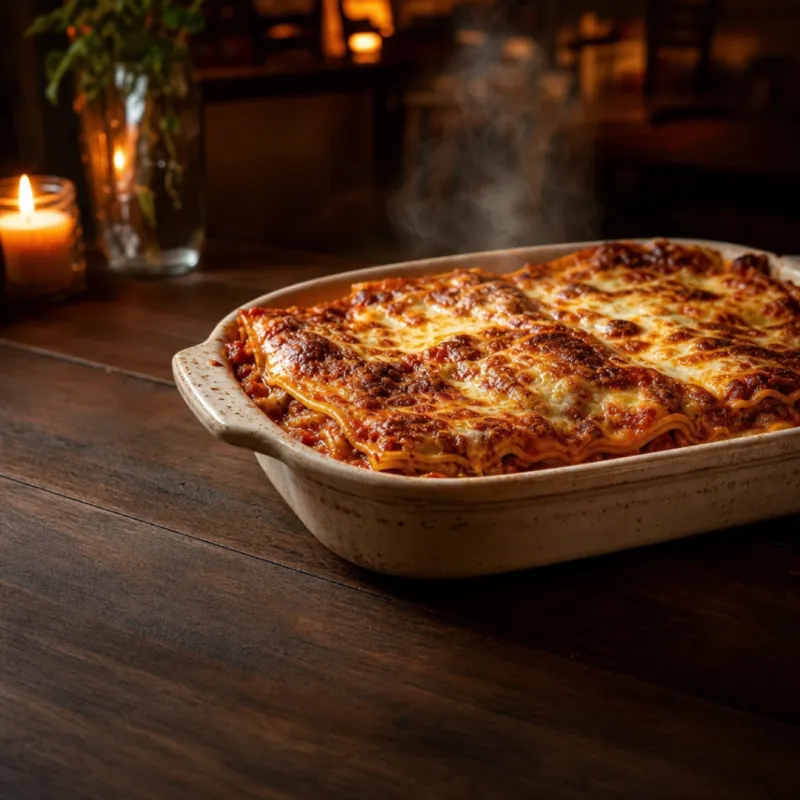
Baked lasagna, Thursday at 7pm
Corner TrattoriaThursday means baked lasagna, the kind with house-made sauce. It serves two and runs from 7pm to 10pm. Book by phone or come early. The table by the window is usually the first to go.
#restaurant #italianfood #dinnerdate #lasagna
Five Beans Cafe
Instagram · illustrative example
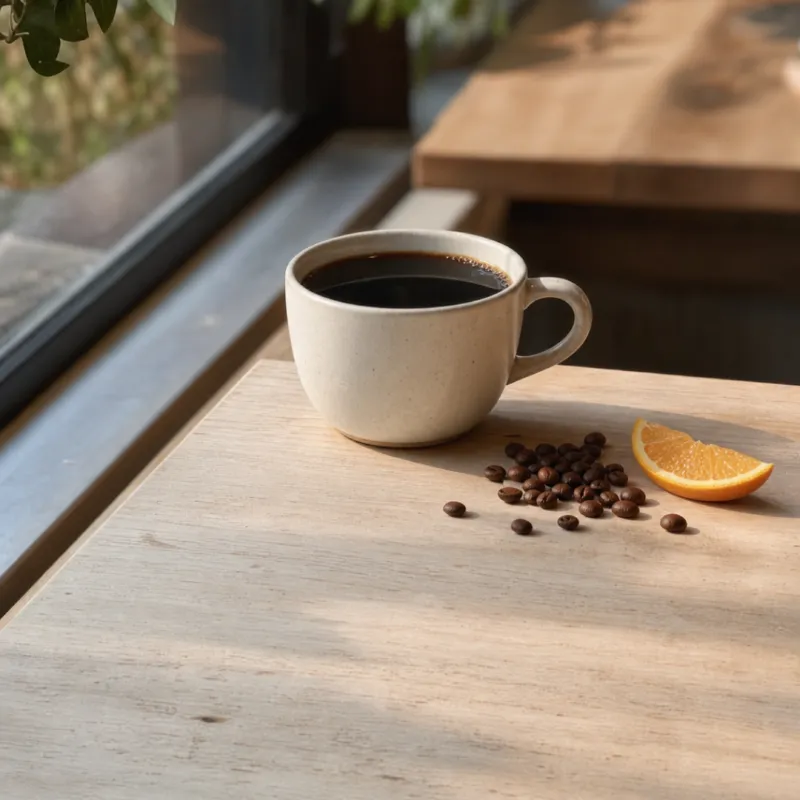
Bean of the month: chocolate, orange
Five Beans CafeThis month's bean comes from a high-altitude farm, with notes of chocolate and orange. Order it as filter or espresso and tell us which one suited your day best.
#specialtycoffee #coffeeshop #filtercoffee #goodmorning
Harbor Bar
Instagram · illustrative example
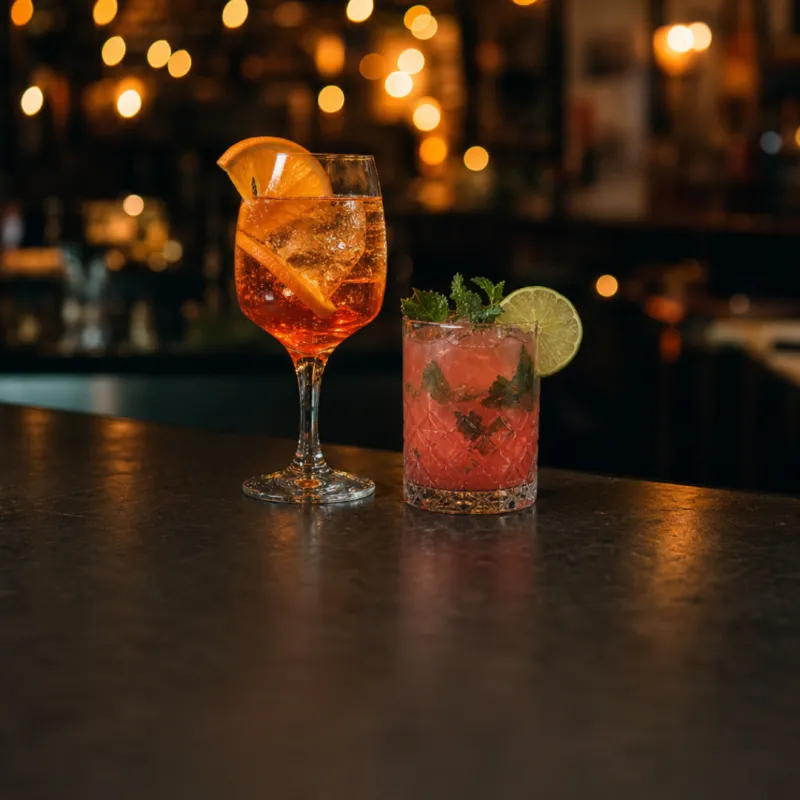
Live music Friday, 8pm
Harbor BarFriday brings live music from 8pm. The kitchen stays open until midnight and the seasonal cocktail menu is new. Tag your crew and book your table ahead.
#barnight #livemusic #happyhour #fridaynight
Homestyle Kitchen
Facebook · illustrative example
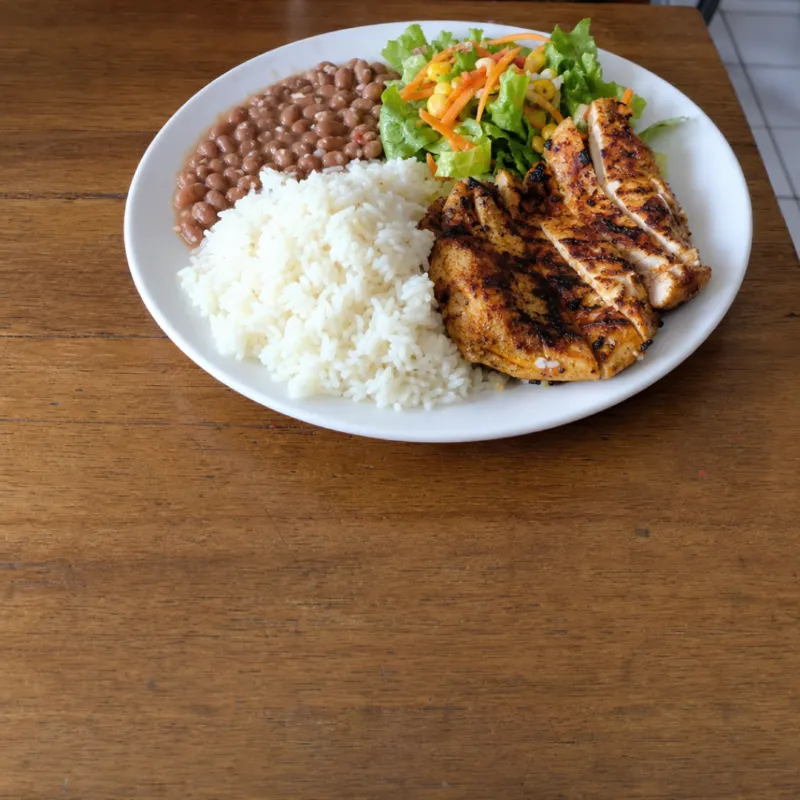
This week's menu is up
Homestyle KitchenBusiness lunch Monday to Friday, 11:30am to 2:30pm. Each day, a main dish with rice, beans and salad. The weekly menu is kept up to date right here on the page. Check it before you come.
#lunchspecial #homestylecooking #comfortfood
No. The image for each post is AI-generated to illustrate the caption, following the image instructions you set. It is not a photo of your actual dish. If you want to show the real dish, click "Upload my image" on the post screen and use your own photo instead; the generated caption still applies.
Skald reads the website at the time of analysis, so daily changes that are not on it will not show up on their own. Review the caption before approving and edit the dish, price and hours of the day. All text stays editable.
Yes. Nothing is published without your approval, unless you turn on automatic approval, which is off by default. For a restaurant, we recommend keeping it that way so you can check price, hours and dish name.
It works for all three. The brand profile comes from your website and your way of speaking, so a cafe and a bar with different identities end up with different captions. If you have more than one business, each can be a separate brand.
SkaldPost starts from a website to understand the brand. Without one, Skald has little to read and the profile depends on what you fill in manually. A simple page with menu, address and story already helps a lot.
There is a free plan with welcome credits to test the full flow. For paid plans and credit packs, see the [pricing](/en/pricing) page. The cost of each AI action shows before you confirm.
It is not required. Without a connected account, you download the image and copy the caption to post manually. Automatic posting is a feature of paid plans.
Ready-to-post content for owners who run the whole company and have no time left for social media.
Caption, hashtags and image for street, mall and neighborhood stores to share new arrivals and bring people through the door.
Caption, hashtags and image in your brand's voice, generated from your website.
A caption with a hook, hashtags and an image for the Instagram feed, generated in your brand's voice.
See the whole month of posts in one place and generate a week of content with AI.
Paste your restaurant, bar or cafe website address and see your first posts in a few minutes. You review and approve.